
Private & On-device AI
AI that runs on your own machines, so sensitive files stay private.
- Runs on
- Your machinesLaptops, workstations or your server.
- Starts with
- One teamWhose files can't go to the cloud.
- Our example
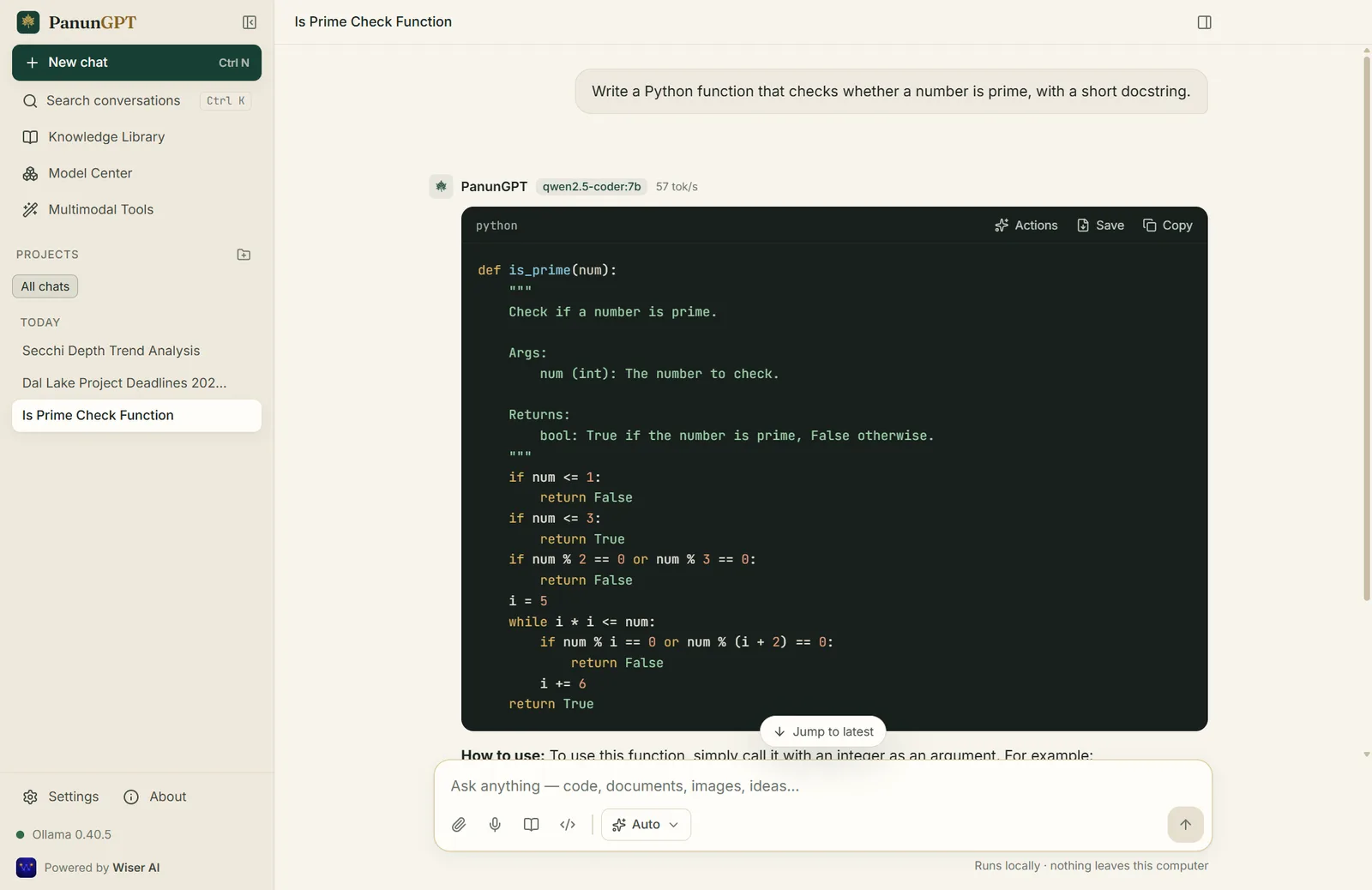
- PanunGPT 1.0.0Works offline once installed.
In short
Why Private & On-device AI
Where it usually hurts.
- 01
Policy forbids hosted AI
So reading and summarising stays manual.
- 02
Staff use public tools anyway
Confidential files end up in chatbots.
- 03
Local models look hard to run
Nobody has time to manage them.
What we build
What you get.
- 01Model selectionMatched to tasks and hardware.
- 02Local setupOllama or llama.cpp, tested.
- 03Model routingThe right model for each request.
- 04Private document searchAnswers cite the page.
- 05Desktop or internal appOpens like any other app.
- 06Support guideYour IT team updates it.
Example
Tender documents at an engineering firm.
Illustrative example, not a client's data or a live system.
- EmailA long tender pack arrives.
- PersonEngineers read every page.
- SpreadsheetRequirements typed in by hand.
- PersonA partner reviews it late at night.
- ModelA local model reads the pack.
- ModelRequirements listed with page references.
- PersonEngineers check each against its page.
- PersonThe partner reviews a checked list.
The documents never leave the firm's machine.
How it runs
Four steps, applied to this work.
- 01
Discover
Test models on your real documents.
- 02
Prove
One team uses it; we measure quality.
- 03
Scale
More teams, or a shared server.
- 04
Run and hand over
Your IT team takes over.
What we need from you
- The documents and tasks
- Your hardware, or a budget
- Your IT rules for software
Questions
About Private & On-device AI.
Are local models good enough?
For drafting, summarising and document questions, usually; we test on your files first.
What hardware do we need?
It depends on the models; we recommend after testing.
Does it work offline?
Yes, once models are installed.
Also in AI & Agents
The rest of AI & Agents.
Talk to us
Let’s talk it through.
Book a callA founder replies within one working day.